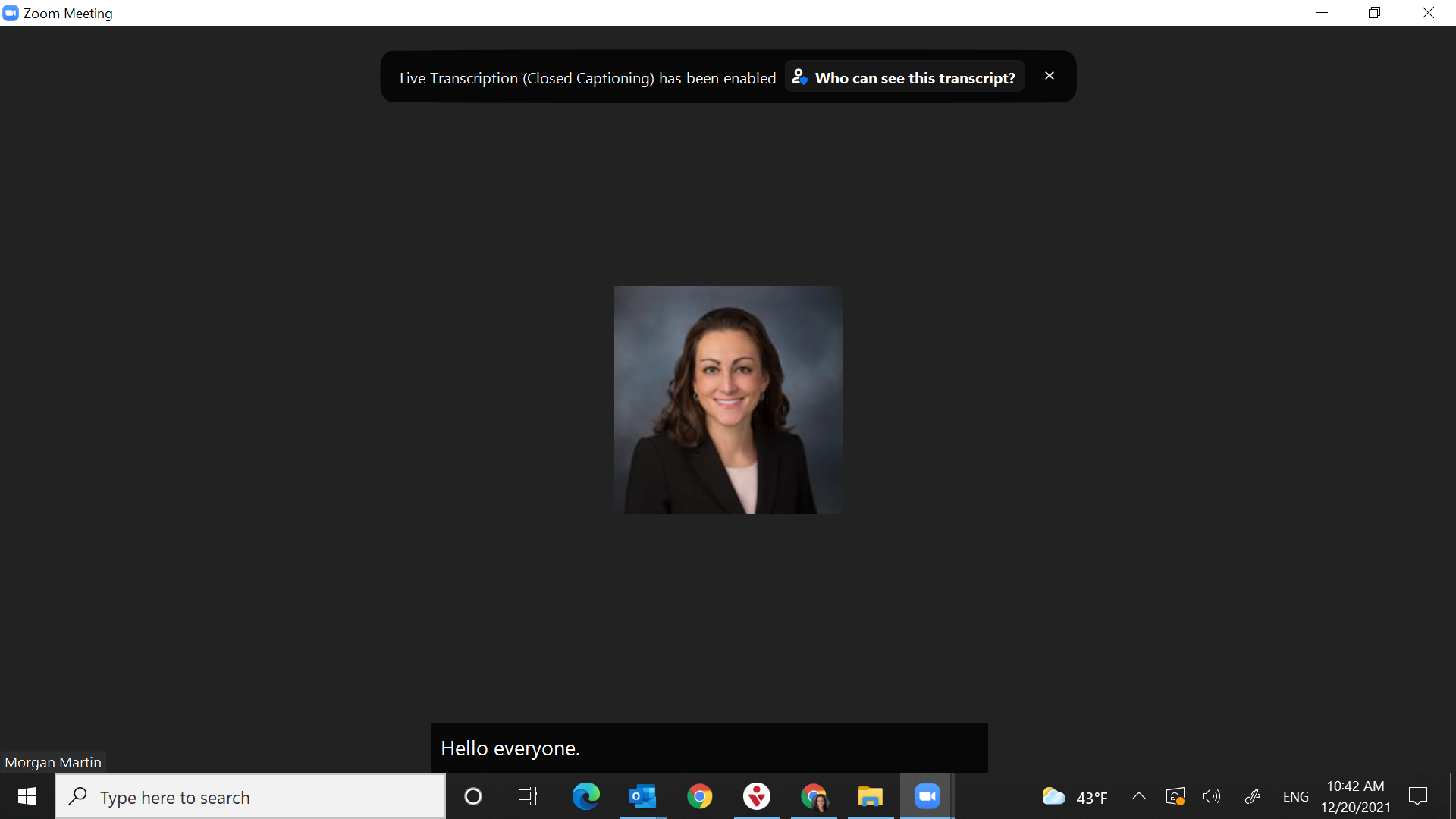

Closed Captioning with Zoom

Last updated: Feb 19, 2026
327
views

SCORE accounts using both Zoom meeting and Zoom webinar have FREE Closed Captioning options available.
Here is a guide from Zoom with more details on using Closed Captioning in various settings: https://support.zoom.us/hc/en-us/articles/207279736-Managing-closed-captioning-and-live-transcription
Note: Zoom now also has Support for automated captioning in 11 additional languages– the cost of this add-on is $5/user/month. Email [email protected] to request this auto-translation feature.
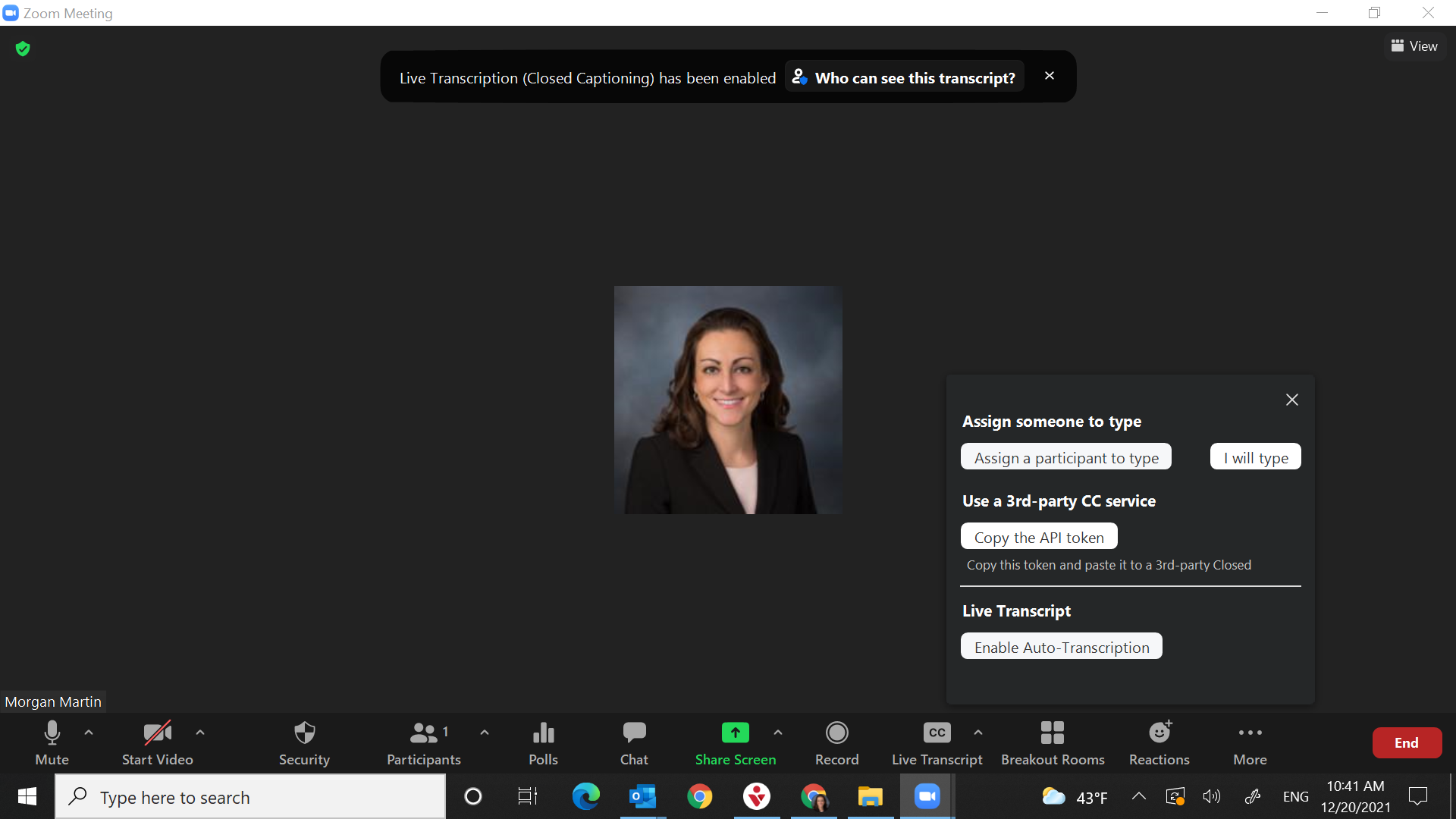
When in your Zoom meeting - to use auto-generated captioning the Host should click the 'Live Transcript' button on the bottom menu.

Under Live Transcript, click 'Enable auto transcription.'
Once enabled, Zoom will pick up on anyone speaking and add the Closed Captioning to the bottom of the screen.