Add @Scorevolunteer.org as a Secondary Account (Gmail Users)

Feb 18, 2026
 0
0
You can add the @scorevolunteer.org email as a secondary email. Adding a secondary email does not change your current personal email password, however, it will allow switching between email Gmail accounts as needed.
To Begin
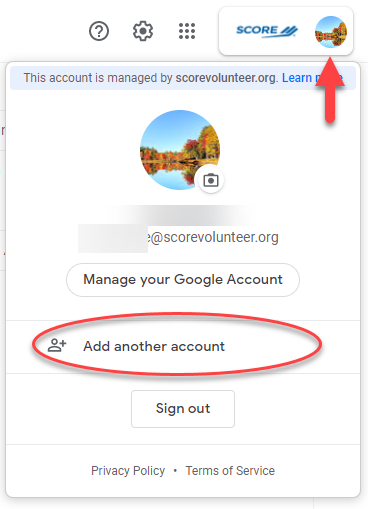
- When logged in with your Personal Gmail at https://mail.google.com/, click the letter icon (or your picture profile) on the top right.
- Then click ADD ANOTHER ACCOUNT
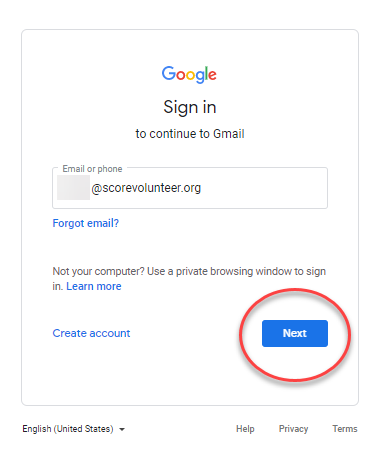
- Then, log with your SCORE Email (@scorevolunteer.org) and Password.