



 7
7
Table of Contents
Introduction
Engage is a sophisticated Customer Relationship Management (CRM) system that enables us to conveniently track and manage all client interactions, volunteer tasks, chapter events and other related information in one centralized location. Built on the highly secure Salesforce platform, Engage incorporates a multi-layered security architecture to safeguard our sensitive data.
As part of our stringent security protocols, users are required to authenticate their @scorevolunteer.org email accounts to access the system. To facilitate seamless access and navigation, we have created a comprehensive guide that takes you through the steps on how to successfully log in to Engage.
How to Log In to Engage
1) Open a browser of your choice, such as Google Chrome, Mozilla Firefox, or Safari.

2) In the address bar, type in https://scoreengage.my.site.com and press Enter or Command key on your keyboard. This will direct you to the Engage login page.
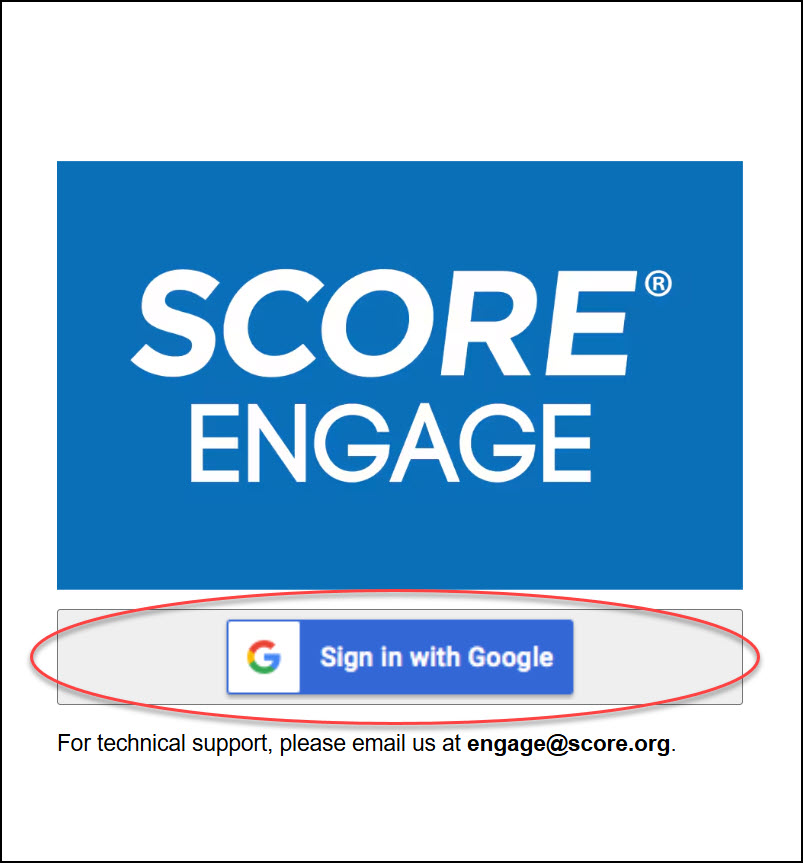
3) On the Engage login page, click the "Sign In with Google" button. This will allow you to sign in using your SCORE Google credentials.
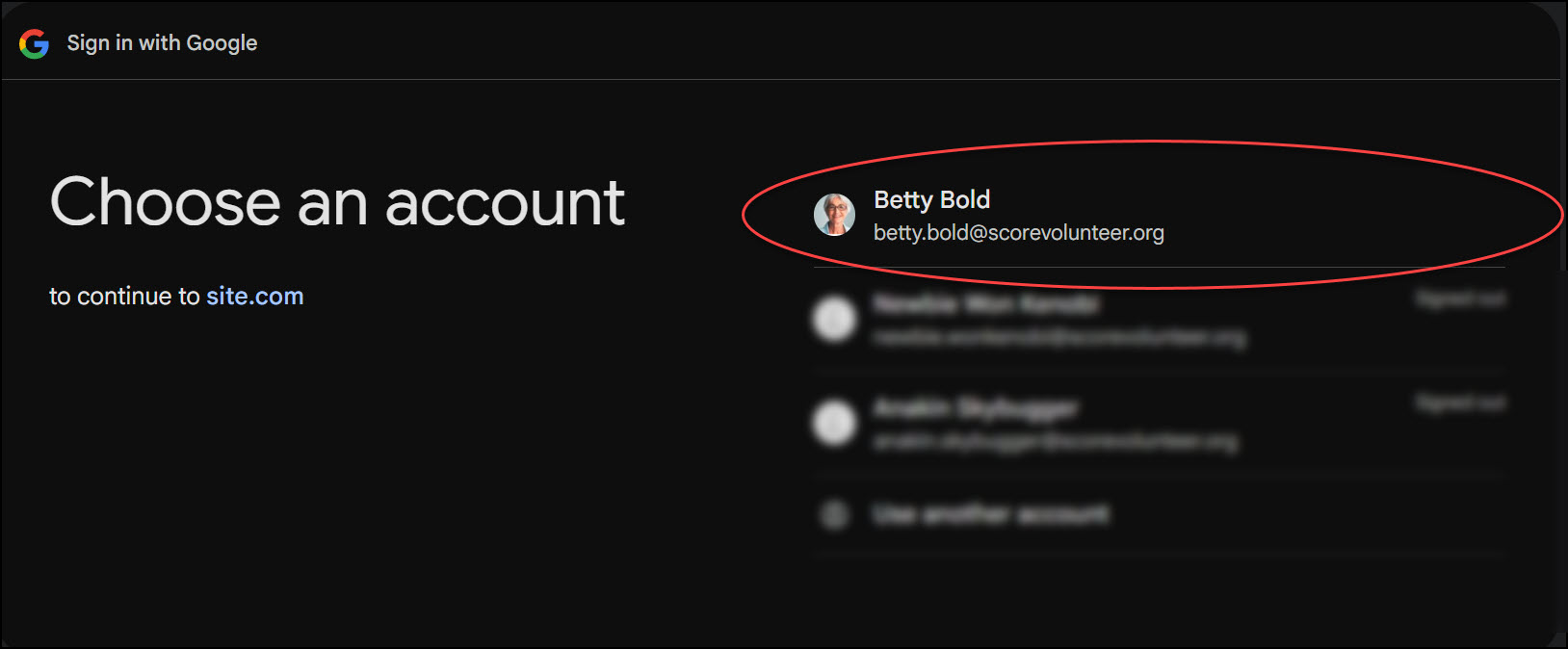
4) When prompted, enter your @scorevolunteer.org email address and password to log in. If you have not yet been provided with a @scorevolunteer.org email account, please contact [email protected].
Recording:
Relevant Resources:
- Browser Profile: Create A Separate Browser for your SCORE Life
- Add a Bookmark in Safari
- Add a Bookmark in Mozilla
- Add a Bookmark in Chrome

